How to Change Windows 11 to Dark theme from CLI?
Mahad loves building mobile and web applications and is here to take you on a journey, filled with bad decisions and learning from mistakes, through this blog.
I'm running windows 11 on a virtual machine to do few tests and I wanted to change the theme but in order to do that you need to activate your copy of Windows.
I don't think it's feasible to buy a license to test few things in a virtual machine.
If you are in the same situation as me and hate light mode because it hurts your eyes, here is a single command to change the system theme to dark.
Step 1: Open Windows Powershell
Click the start button or press Window key, then type powershell and click Window Powershell
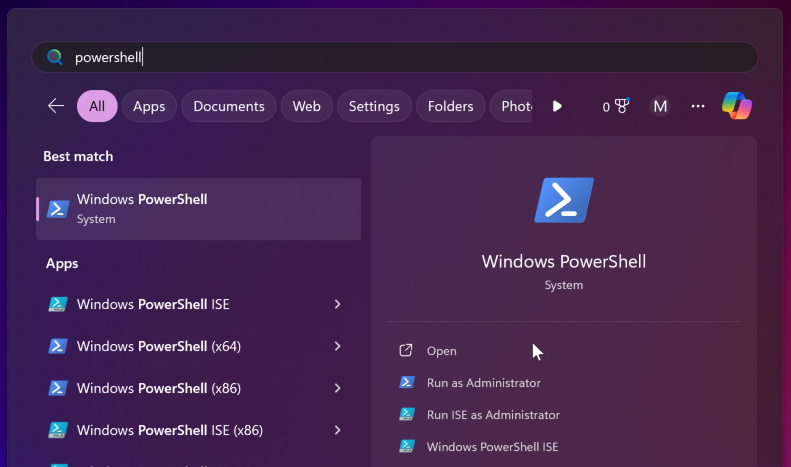
Step 2: Copy Command to Powershell
Paste the command below in the Powershell Window and press Enter to run the command.
rundll32.exe themecpl.dll,OpenThemeAction C:\Windows\resources\themes\dark.theme
Changed your mind?
If you don't want this theme and need to use a different one, check the available themes using this command:
dir C:\Windows\resources\themes\*.theme
Then replace the last part of the previous command dark.theme with whatever theme you want. For example, you want to use themeC.theme instead:
rundll32.exe themecpl.dll,OpenThemeAction C:\Windows\resources\themes\themeA.theme
NOTE: You might need to restart and rerun the command for changes to take effect.